
Your Partner in
Smarter Link and Note Saving
Take control of your web discoveries. Save links with automatically extracted rich metadata previews, write contextual notes, and recall them instantly offline or via shortcodes.
The ultimate safe place to store and retrieve links and notes. Built for Windows and Android (Linux support coming soon).
Flutter Framework
flutter.dev • Code #849201
Hive Local DB Docs
pub.dev • Code #193847

Memno Link and Note Vault
Offline-first link saver with automatic metadata previews and notes.
Available on
Achieve link clarity and simplify your knowledge collection with zero bloat.
Instant Metadata Engine
Auto-extracts titles, descriptions, favicons, and open-graph preview images from any URL instantly.
6-Digit Shortcode System
Generates unique short 6-digit codes for every link for high-speed indexing and quick lookup.
Widescreen Desktop Shell
Collapsible Floating Dock, Spotlight search modal overlay, and complete keyboard navigation.
Offline-First and Local Storage
Powered by local Hive DB. All your links, titles, and personal notes stay strictly on your local device.
Start Managing Your Links
in
3 Easy Steps
Memno makes link bookmarking and note-taking seamless across all your devices.
Share or Save Web Links
Save links easily from your mobile browser share menu or directly within the desktop application.
Automatic Metadata & Personal Notes
Memno automatically extracts web page titles and preview images while allowing you to add personal notes and tags.
Instant Offline Search & Retrieval
Quickly search and locate saved content anytime offline using keywords or shortcodes without needing an active internet connection.
Crafted for Android and Widescreen Desktop
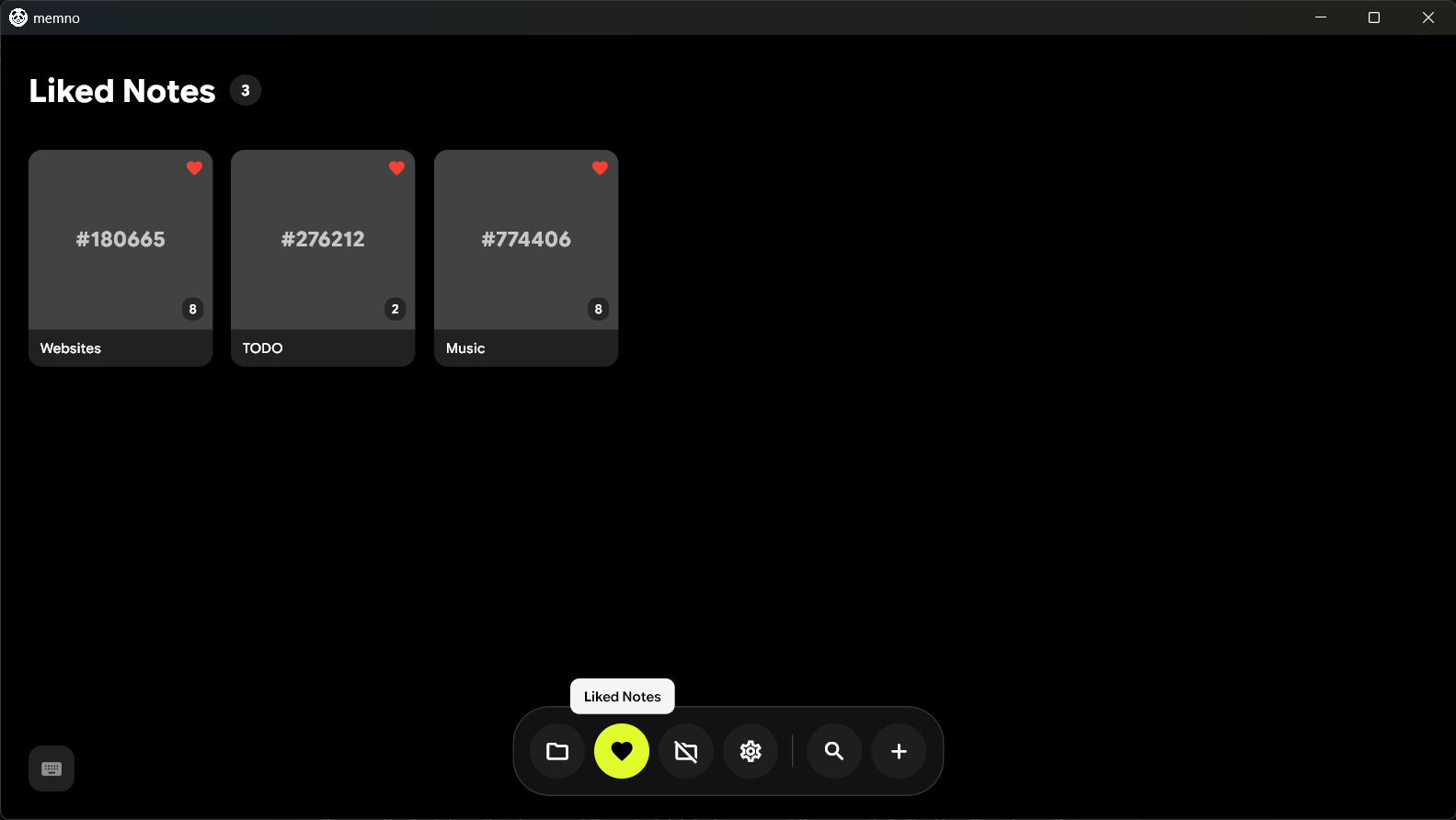
Widescreen Links Vault
Desktop widescreen view of all saved links with dock navigation and search.
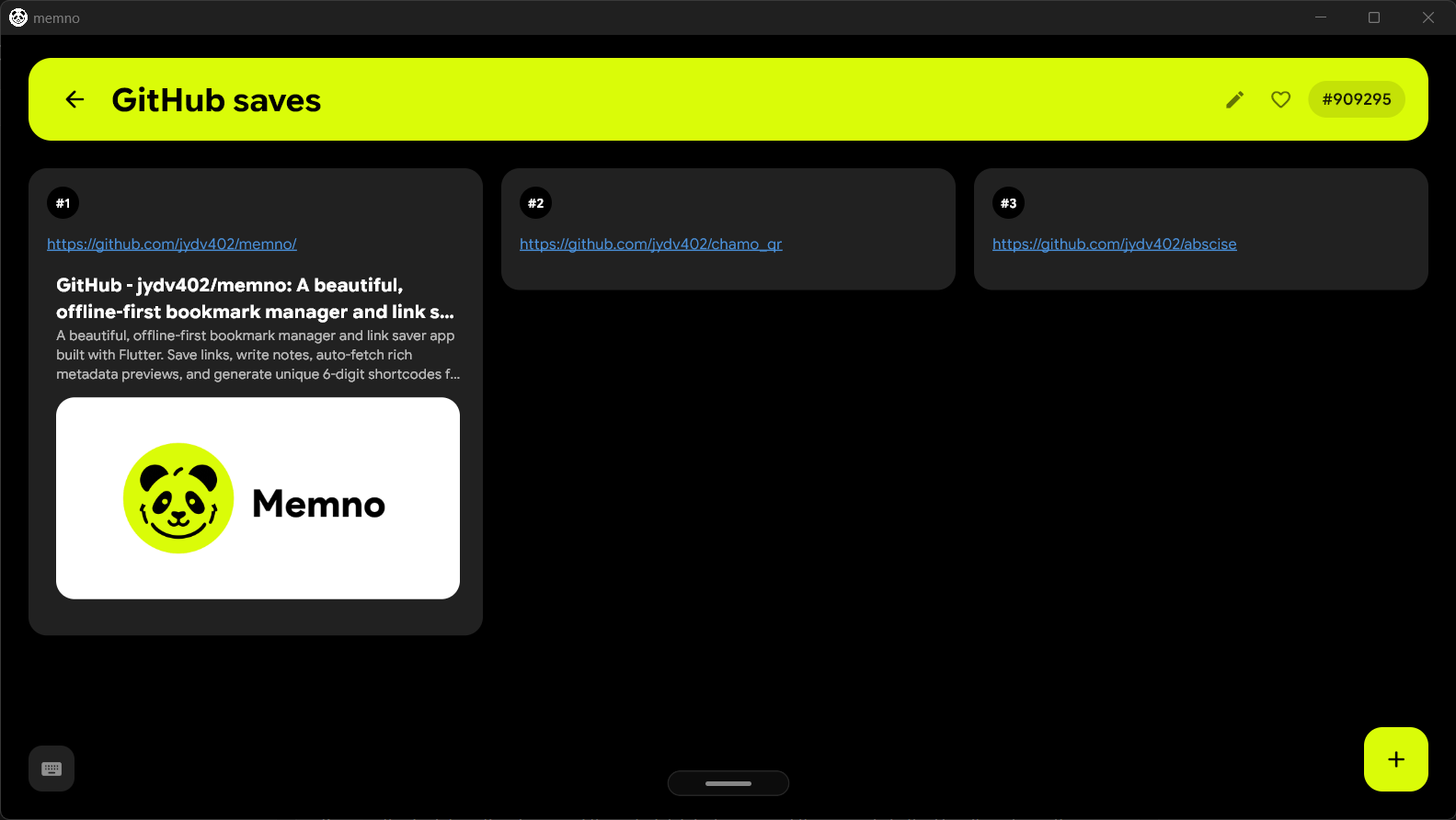
Desktop Note Editor
Dedicated note viewing and editing interface with auto-extracted URL metadata.
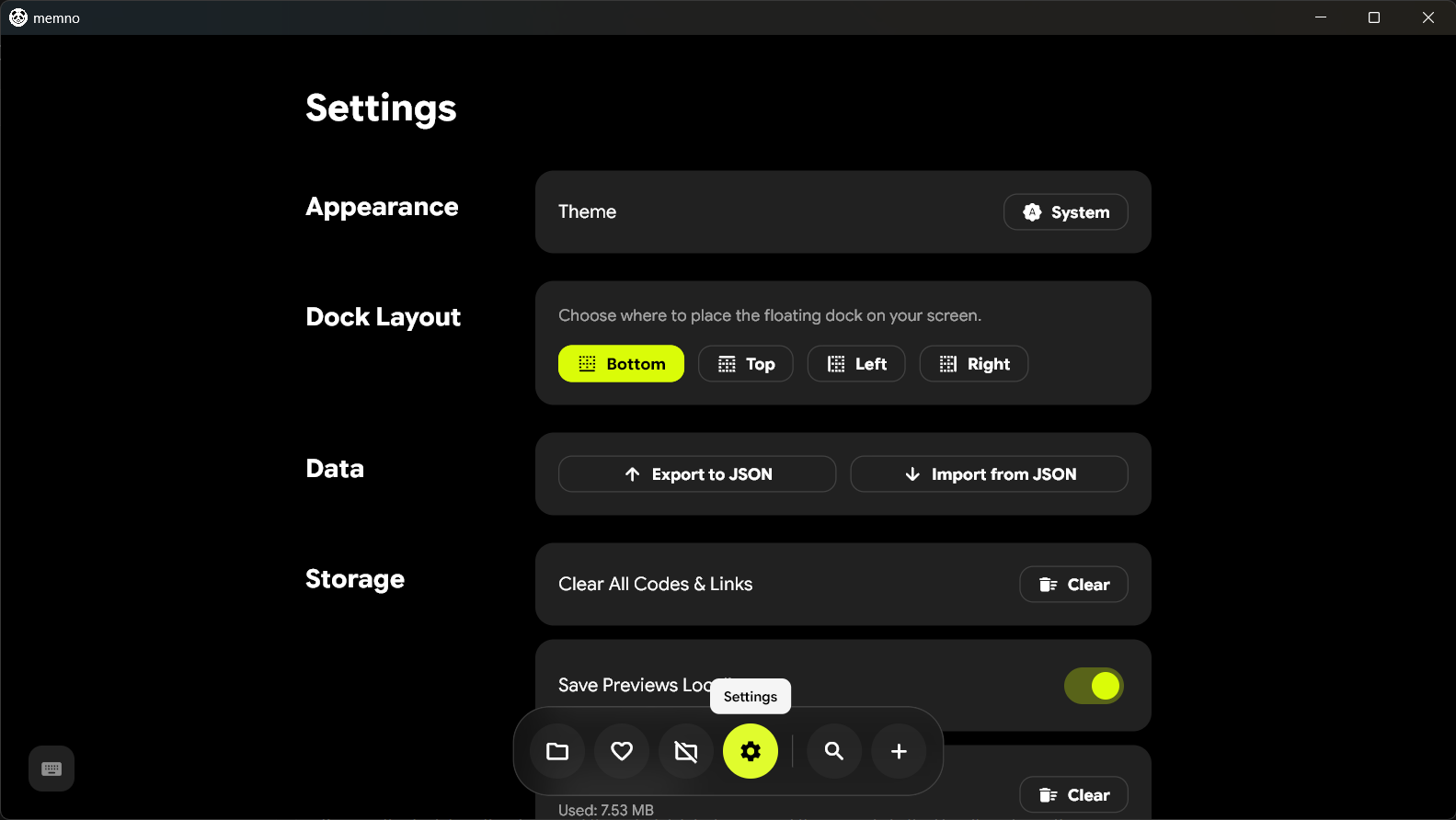
Desktop Settings & Configuration
Theme customization, database backup export, and system configuration.
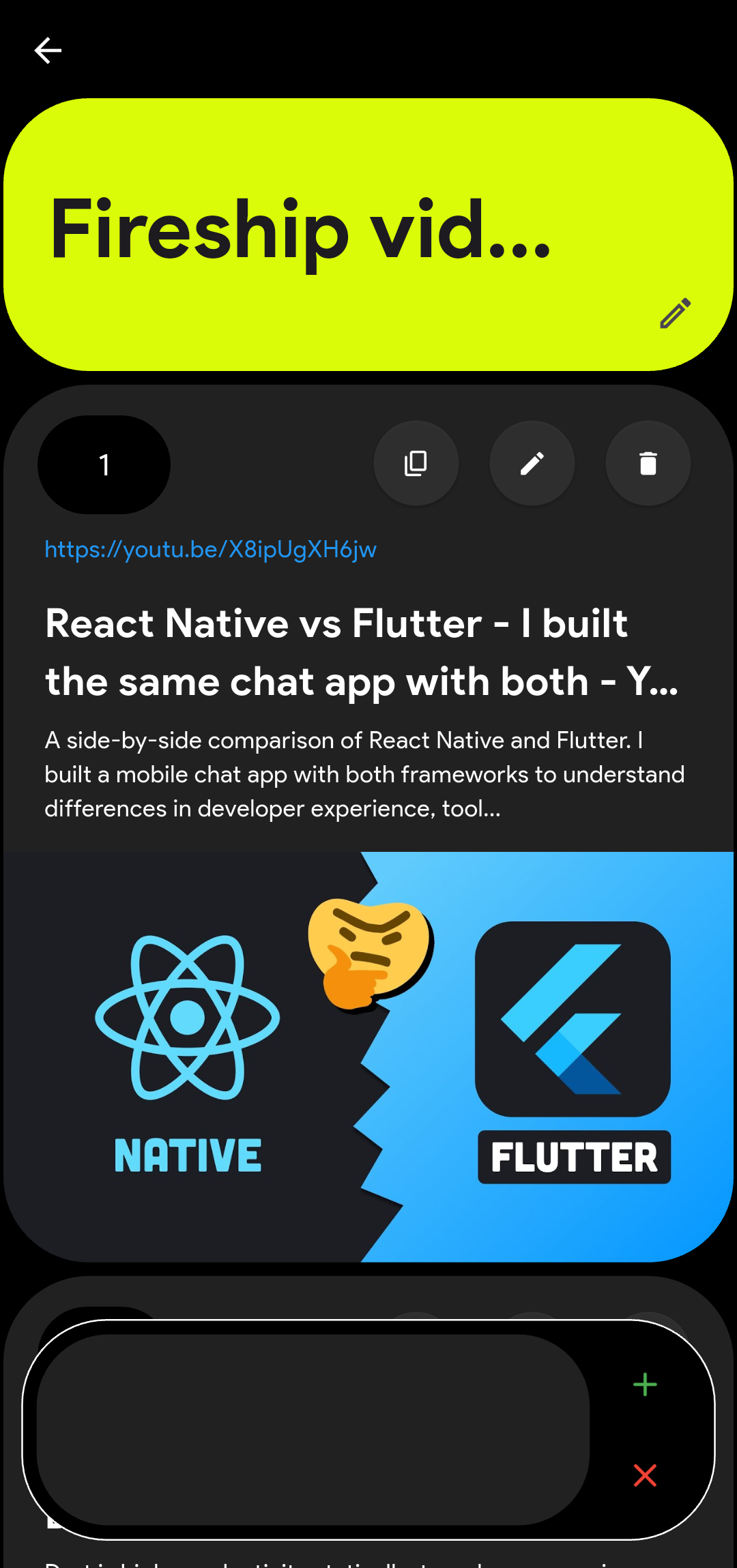
Rich URL Preview & Notes
Auto-fetched metadata preview card with attached user notes and 6-digit shortcode.
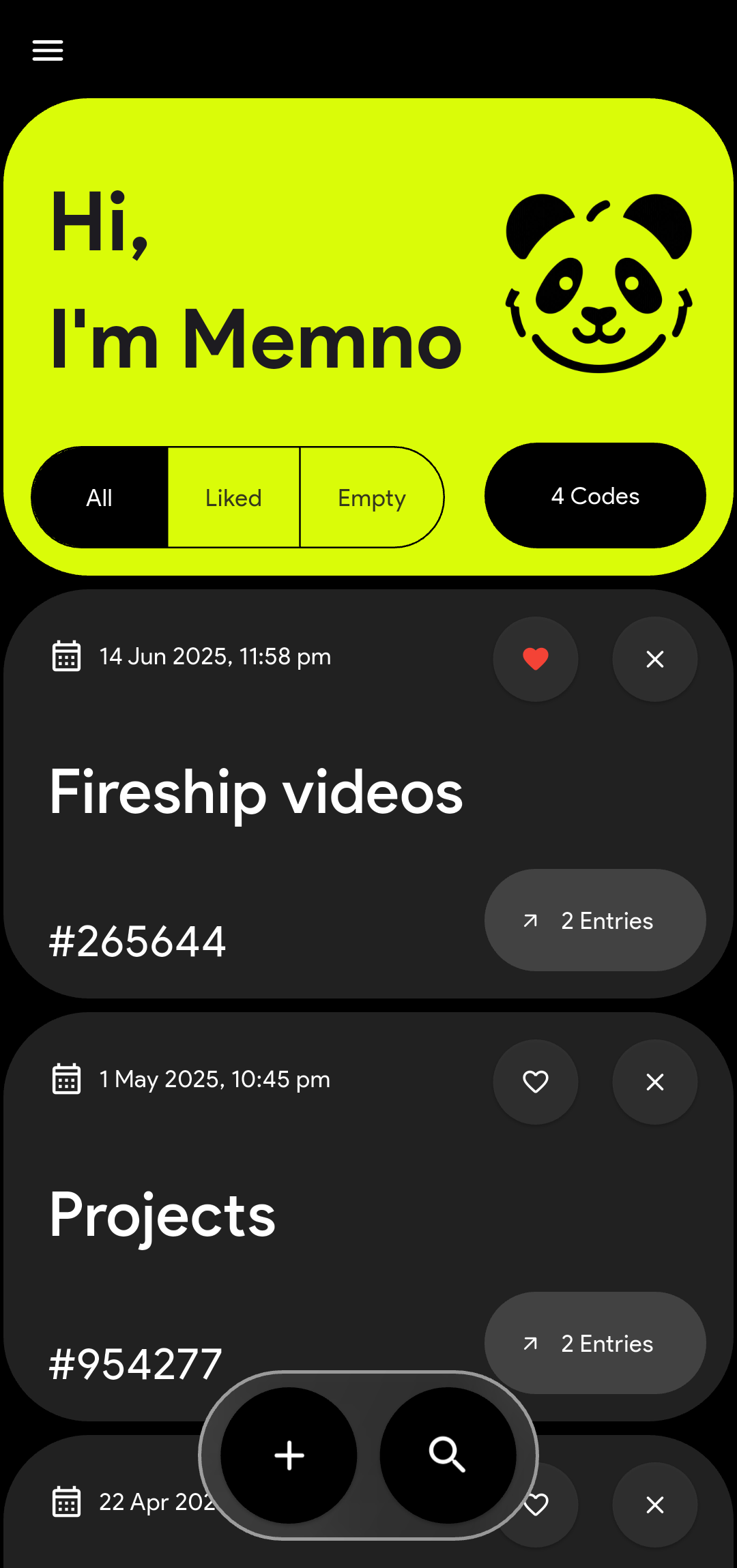
Mobile Home Vault
Sleek mobile list view of saved links with quick search and shortcodes.
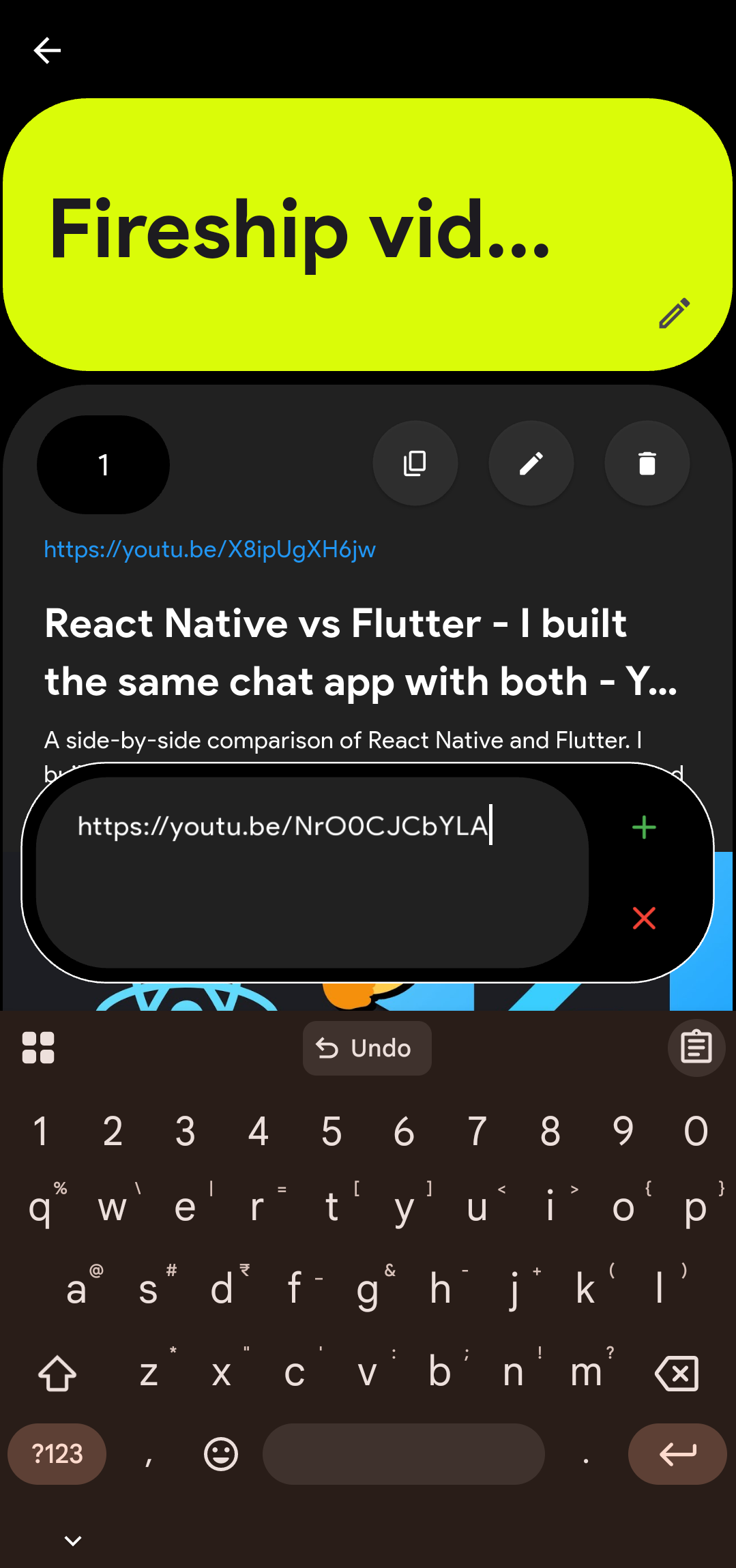
Add Link & Quick Save
Real-time metadata extraction modal when saving new web URLs.
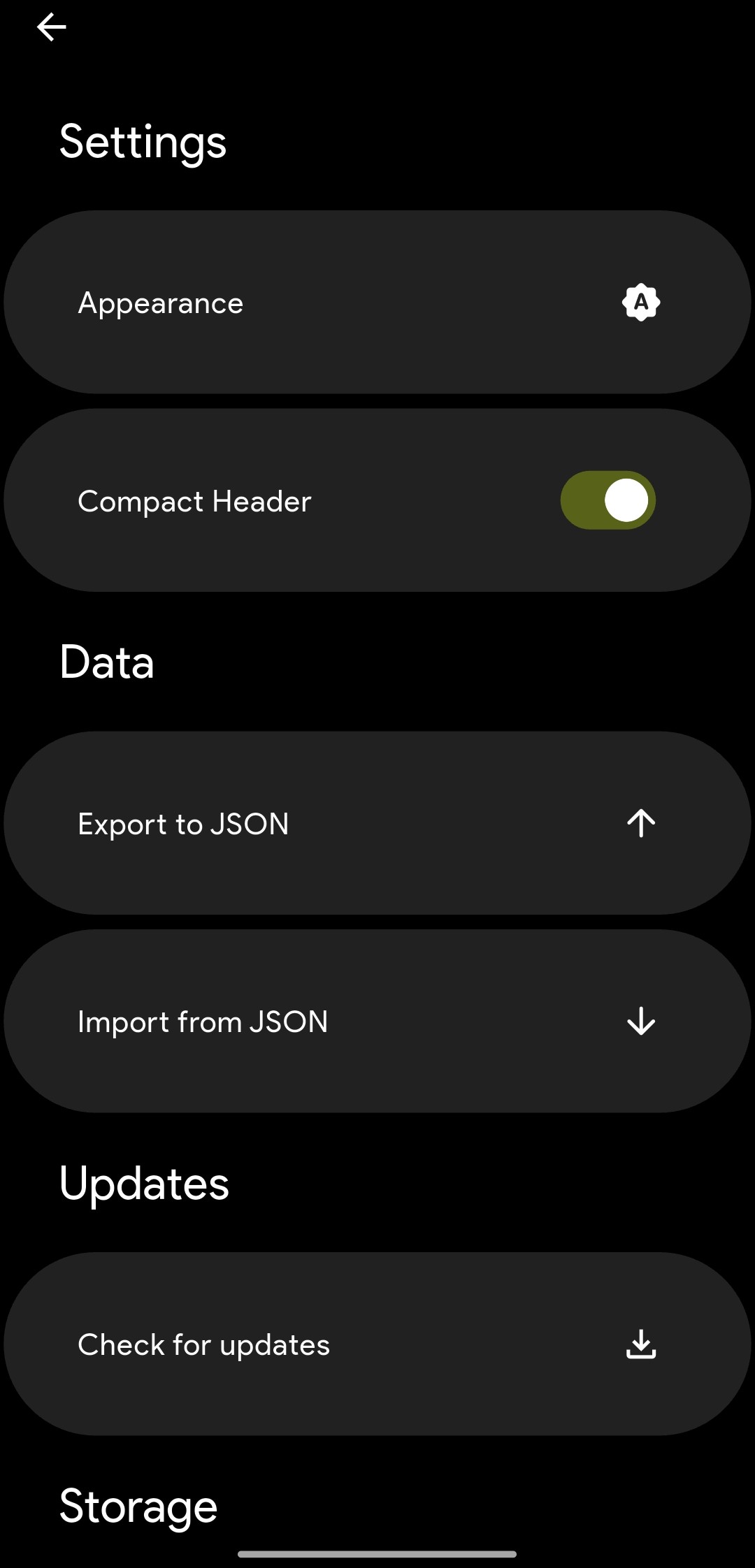
Mobile App Settings
Dark and light mode preferences, data import/export, and app config.
Widescreen Links Vault
Desktop widescreen view of all saved links with dock navigation and search.
Desktop Note Editor
Dedicated note viewing and editing interface with auto-extracted URL metadata.
Desktop Settings & Configuration
Theme customization, database backup export, and system configuration.
Rich URL Preview & Notes
Auto-fetched metadata preview card with attached user notes and 6-digit shortcode.
Mobile Home Vault
Sleek mobile list view of saved links with quick search and shortcodes.
Add Link & Quick Save
Real-time metadata extraction modal when saving new web URLs.
Mobile App Settings
Dark and light mode preferences, data import/export, and app config.
Get Memno for Your Platform
Free and open-source under the MIT License. No subscriptions, zero cloud lock-in.
Windows Installer
Standalone Windows executable. Supports dual installation mode for personal or system-wide installation. Linux support coming soon.
Android APK
Direct universal APK file download with native Android browser share menu integration.
Sponsor the Project
Support open-source development via GitHub Sponsors or Buy Me a Chai.